Treat tossing is one of the few pet-camera features a normal indoor security camera usually cannot imitate. That makes it easy to assume a dispenser is automatically worth paying extra for. In practice, the feature is much more dependent on your pet, your treats, the sound of the mechanism and where the camera sits than the product photos suggest.
A pet camera with a treat dispenser is worth considering when you genuinely want remote interaction, your pet responds well to food rewards, and the machine accepts the treats you already use. It is less compelling when you mainly want reliable video, local storage or simple check-ins. The dispenser should solve a real behavior or interaction need, not just make the camera feel more “pet-specific.”
The treat dispenser changes the camera from observer to participant
A standard indoor camera lets you see and hear what is happening. A treat camera can also create an event. You can call the pet toward the device, reward a calm behavior, interrupt boredom with a familiar routine or simply send a small surprise while you are away.
That extra interaction is the strongest argument for the category. Furbo currently describes treat tossing as a core interaction feature on its 360° Dog Camera, alongside two-way audio and pet-focused monitoring. Petcube’s Bites 2 Lite similarly combines a camera with remote treat dispensing, with controls for the amount and distance of the toss. You can compare the current manufacturer descriptions on Furbo's current 360° Dog Camera feature page and Petcube's current Bites 2 Lite specifications.
The important question is whether you would actually use that interaction after the novelty wears off. If you expect to toss one treat during a lunch break every day, the dispenser has a clear job. If you mostly want to look at the room and never reward remotely, the same money may be better spent on video quality, storage or another camera angle.
The feature works best when the pet is trained to understand the sound
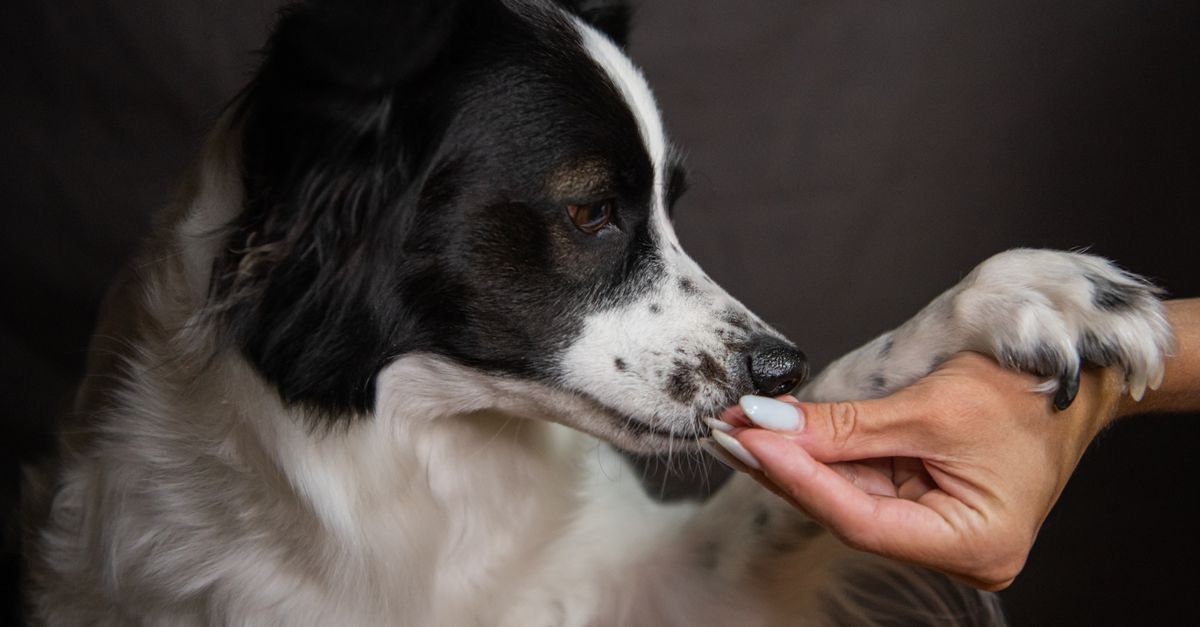
A treat camera is a machine that suddenly makes noise and throws food. Some dogs immediately find that exciting. Others may be startled by the mechanical sound or hesitate to approach the device.
Furbo’s current training guidance recommends introducing the sound before relying on remote tossing: place the device where it will normally live, play the treat-toss sound without loading treats, then reward the dog manually until the sound predicts something positive. Only after the dog becomes comfortable does the guide move on to loading the dispenser. The full sequence is on Furbo's current treat-toss training guidance.
That is useful beyond one brand. I would treat any dispenser as something the pet needs to learn, not as an appliance that becomes self-explanatory the moment you plug it in. If your dog is noise-sensitive, the quality of that introduction may matter more than how far the machine can throw.
Treat compatibility is a real product specification
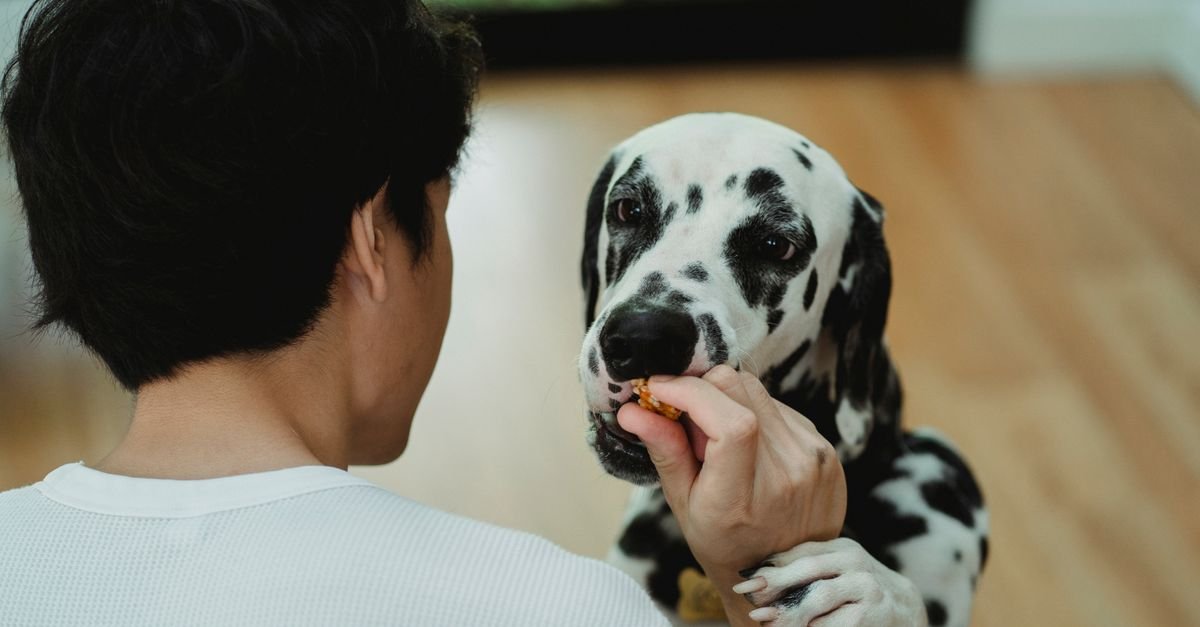
This is where many shoppers get surprised. A dispenser cannot reliably handle every treat shape, texture and size. Soft pieces can stick. Greasy treats can leave residue. Crumbly treats create dust. Large biscuits may jam, while tiny pieces may release several at once.
Petcube currently recommends dry, hard treats that are uniform in shape, ideally spherical, with the Bites 2 Lite supporting treats up to about one inch. Its user guide also describes three inserts for different treat sizes and warns against greasy, soft, sticky or crumbly treats. The current details are available on Petcube's current Bites 2 Lite specifications and Petcube's current Bites 2 Lite user guide.
Furbo likewise recommends dry, firm, round treats in its current treat-toss training material. That does not mean both dispensers behave identically, but it shows why “works with treats” is too broad a description.
If your pet has dietary restrictions, uses prescription food, needs very soft rewards or eats only a specific large biscuit, I would check compatibility before buying the camera. The best dispenser is useless if it forces you to switch to a treat you do not want to feed.
Control over portion size matters more than a dramatic toss
Marketing videos naturally show treats flying across the room because that makes the feature look fun. In everyday use, I care more about how predictable each dispense is.
If one swipe sometimes releases one treat and sometimes releases four, the feature becomes harder to use as a controlled reward. That may be fine for occasional entertainment, but it matters if you are trying to keep calories consistent or use treats as part of training.
Petcube’s different inserts are intended to help control how many treats are dispensed. Furbo currently allows different treat-size settings on its 360° model. Those are the kinds of details I would compare before focusing on maximum throwing distance.
Remember that a camera is not a precision feeder. Even a good treat mechanism is designed for small rewards, not measuring a meal. If scheduled feeding is the real goal, an automatic feeder is the more appropriate product category.
The camera needs a clear landing zone
Treat tossing creates a placement problem that does not exist with a normal indoor camera. The device needs to see the pet, but it also needs open space in front of the dispenser so treats do not repeatedly hit a wall, fall behind furniture or disappear under a cabinet.
A camera can have an excellent viewing angle from the corner of a shelf and still be a terrible treat dispenser from that exact position. Before buying, picture the launch path as well as the field of view.
This is one reason our guide on where to put a pet camera matters even more with treat-tossing models. Height, nearby furniture, cables and the pet’s usual route through the room all affect whether the device is useful. For a dispenser, add one more question: where will the treat land?
Pet-proofing matters because the food is stored inside the camera
A normal security camera is usually boring to a dog. A treat camera smells like food. That changes the physical risk.
If the device sits within reach, consider whether the base is stable, whether the lid can be opened by a determined pet and whether the cable can be pulled. Some dogs will ignore the camera completely. Others may spend hours investigating the source of the snacks once they understand what is inside.
Wall mounting can solve part of that problem, but it changes the treat trajectory and may put the device higher than ideal for interaction. Petcube currently supports table, shelf or wall placement for Bites 2 Lite. I would choose the position based on the pet rather than copying the product photo.
Cleaning is part of owning the feature
Food residue is not a theoretical maintenance issue. Every dispense moves treats through a container and mechanism, and crumbs accumulate over time.
Petcube’s current Bites 2 Lite documentation says the treat container is detachable and dishwasher-safe on lower-temperature settings, while the user guide specifically notes that crumbs accumulate and the container should be cleaned. That is a meaningful design detail because an awkward hopper is likely to be cleaned less often than an easy one.
I would check whether the food-contact parts come out without tools, whether the actual chute can be reached and whether the manufacturer explains how to clear a jam. A treat feature that becomes sticky or unreliable after a few weeks is worse than not having the feature at all.
Remote treats are not the same thing as treating separation anxiety
Pet-camera marketing often connects remote interaction with calming a pet while the owner is away. Food can certainly create a positive interaction, but I would be careful about treating the camera as a solution to separation-related distress.
A dog that is mildly bored may enjoy a treat. A dog that is genuinely panicking may not eat at all, may become more agitated by hearing the owner’s voice, or may need a behavior plan that has nothing to do with camera hardware. The camera can show you what is happening; it should not be used to diagnose or replace professional behavior advice.
The practical shopping lesson is simple: buy the dispenser because you want a remote reward tool, not because the box implies it can solve every problem associated with being home alone.
Two-way audio can improve the interaction—or confuse the pet
Treat dispensing is often paired with two-way audio so you can call the pet toward the camera before sending a reward. That can work well when the pet already understands the routine.
But some animals become confused when they hear a familiar voice without seeing the person. If your pet starts searching rooms or becomes more unsettled, the audio may be less useful than the treat feature itself.
I would test the two components separately. First see how the pet reacts to the treat-toss sound. Then try short voice interactions. There is no requirement to use every feature just because the app provides it.
Measure the treats you already use and look at their texture. If they are soft, greasy, unusually shaped or larger than the dispenser’s published range, resolve that problem before buying the camera. Treat compatibility is one of the few deal-breakers you can identify without owning the device.
Subscriptions can still be the bigger long-term cost
A dispenser may justify a higher hardware price, but it does not remove the storage and subscription questions that apply to other pet cameras. Video history, richer alerts or cloud clips may still require a paid plan depending on the brand.
That is why I would combine this decision with the cancellation test from our guide to pet-camera subscriptions. If you stop paying for the cloud plan, does the camera still let you live-view, talk and toss treats? If yes, the dispenser may remain useful independently of the subscription. If important monitoring features disappear, calculate the recurring plan as part of the real ownership cost.
A treat camera is easier to justify for one pet than for some multi-pet homes
In a home with one dog, you know who probably received the reward. With two dogs, the faster animal may collect every tossed treat. With cats, the treat may land near whichever pet happens to be closest.
That does not make the feature useless, but it changes how much control you really have. If one pet is on a restricted diet, if food guarding is a concern or if animals need separate rewards, an unattended dispenser may be a poor fit.
I would think about the landing zone as a shared resource. If the pets compete for food, remote tossing adds uncertainty rather than convenience.
For cats, the feature may matter less than the camera design
Some cats respond enthusiastically to tossed dry treats. Others prefer interactive play, a familiar feeding routine or simply watching the room from a high perch.
If you are buying primarily for a cat, I would not assume a dog-oriented treat mechanism is the most important feature. Field of view, quiet movement, night visibility, placement flexibility and whether the camera can see elevated cat routes may matter more.
This is another reason to compare pet-specific products against ordinary indoor cameras rather than staying inside one marketing category. Our guide to pet cameras vs indoor security cameras explains where the functional overlap is now surprisingly large.
When the treat dispenser is worth paying for
I would pay extra for the feature when I expect to use it several times a week, the pet already responds well to food rewards, compatible treats fit the diet, and there is a safe position where the camera can both see the pet and toss into a clear area.
It becomes even easier to justify when the dispenser is the one feature that separates the product from a cheaper indoor camera. If the interaction is genuinely part of the buying goal, then it is not a gimmick—it is the reason for choosing the product.
If that sounds like your use case, you can compare pet cameras with treat dispensers on Amazon. I would compare compatible treat size, container design, cleaning, mounting and whether treat tossing still works without a paid subscription before looking at ratings.
When I would skip it
I would skip the dispenser if the camera is mainly for passive monitoring, if the pet cannot use dry compatible treats, if several animals would compete for rewards or if the device has to be mounted somewhere that makes the toss impractical.
I would also skip it if the premium pushes you away from features that matter more. A cheaper camera with better local recording, wider useful coverage or a second viewing angle may improve monitoring more than a treat mechanism you use twice.
In that case, you can compare pet cameras without focusing on treat tossing and treat the dispenser as optional rather than a requirement.
The treats themselves should remain small rewards
Remote dispensing makes it easy to forget how many treats have accumulated across a day, especially if more than one family member can use the app. The camera does not know the pet’s total daily calorie intake.
I would use small rewards and keep the camera treats inside the same daily allowance you already follow. If you need a smaller compatible option, you can compare small crunchy training treats on Amazon, but compatibility with the dispenser should come after suitability for the pet.
The product should adapt to a sensible feeding plan—not the other way around.
A treat dispenser is worth paying for only when remote rewarding is part of the job.
The feature can turn a pet camera into a genuinely interactive tool, but it adds new constraints around treat size, cleaning, placement, noise and pet behavior. If you mainly want to see what is happening at home, a simpler camera may be the better value. If you know you will use remote rewards as part of a routine, a well-designed dispenser can be one of the few pet-camera upgrades that changes what the device actually does.
If you want to compare cameras from your needs rather than brand names, use the BestByNeed Finder and describe whether treat tossing, local storage, no monthly fee, smart alerts, night vision or wide room coverage matters most.