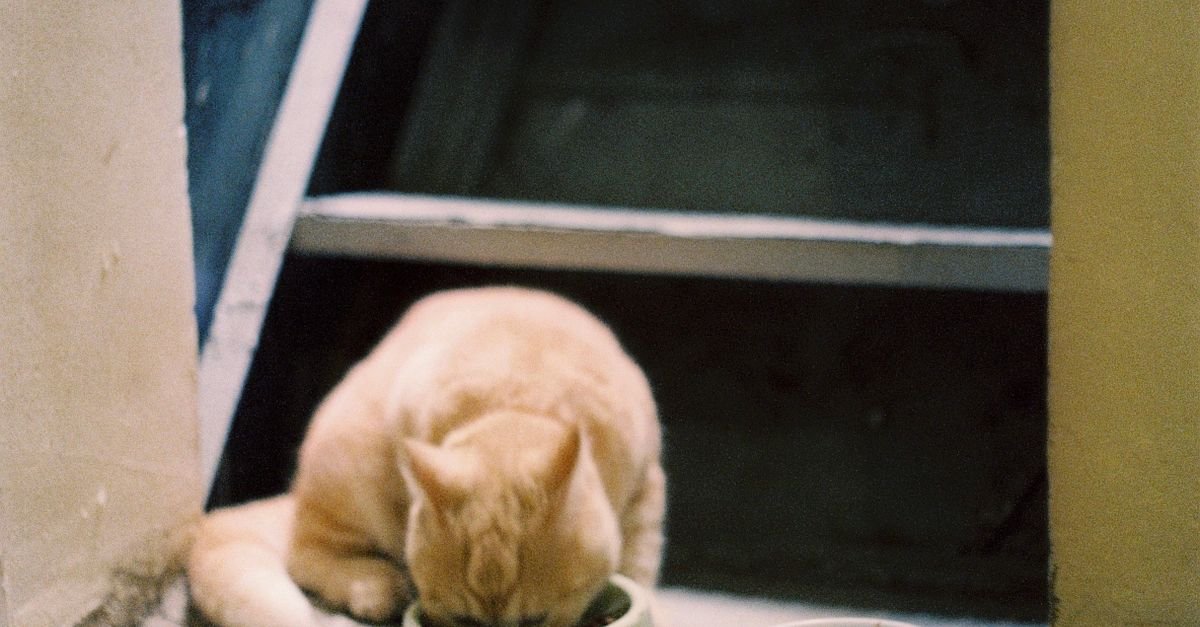
An automatic pet feeder can dispense on time every morning and still give you a false sense of precision. The app may say “1 portion,” the product page may translate that into “about 10 g,” and the bowl may receive something slightly different depending on the kibble. That does not make automatic feeders useless. It means portion control works best when you understand what the machine is actually measuring.
Most dry-food automatic feeders dispense by volume or by a mechanical rotation, not by weighing every meal as it leaves the hopper. A manufacturer may describe one portion as roughly 10 g, 20 mL or 1/12 cup, but the actual gram weight can change with kibble size, shape and density. If portion accuracy matters for weight management or a prescribed feeding plan, use the feeder as a scheduling tool and verify its real output with a gram scale using the exact food you feed.
A “portion” is often a machine unit, not a nutrition unit
The first thing to separate is the word portion from the amount your veterinarian, food label or calorie plan expects your pet to eat. In many automatic feeders, a portion is simply one rotation or one measured volume of the dispensing mechanism. It is useful because the machine can repeat it, but it is not automatically the same thing as ten grams of every kibble.
PETLIBRO currently describes a Granary portion as approximately 20 mL or 10 g, about 1/12 cup. The same documentation says the minimum portion is limited by the physical rotor size. That is an important clue: the feeder is moving a volume of food through a mechanical path. The gram number is an approximation for typical kibble, not a built-in guarantee that every food will weigh the same. You can see the current details on PETLIBRO’s Granary feeder guidance.
PETKIT makes the same issue explicit in current YUMSHARE documentation. Its feeder interface uses portion settings, but the manual notes that actual weight per portion varies with food particle size and density. The current YumShare Dual-Hopper 2 specifications list portion ranges in grams, while the manual still warns that the real output depends on the food moving through the dispenser.
Repeatable and accurate are not the same thing. A feeder that gives you 9 g almost every time when the app implies 10 g is consistent, but it is consistently different from the assumed gram value. For daily feeding, that can still be easy to manage once you measure the real output.
Kibble density changes the weight even when volume stays the same
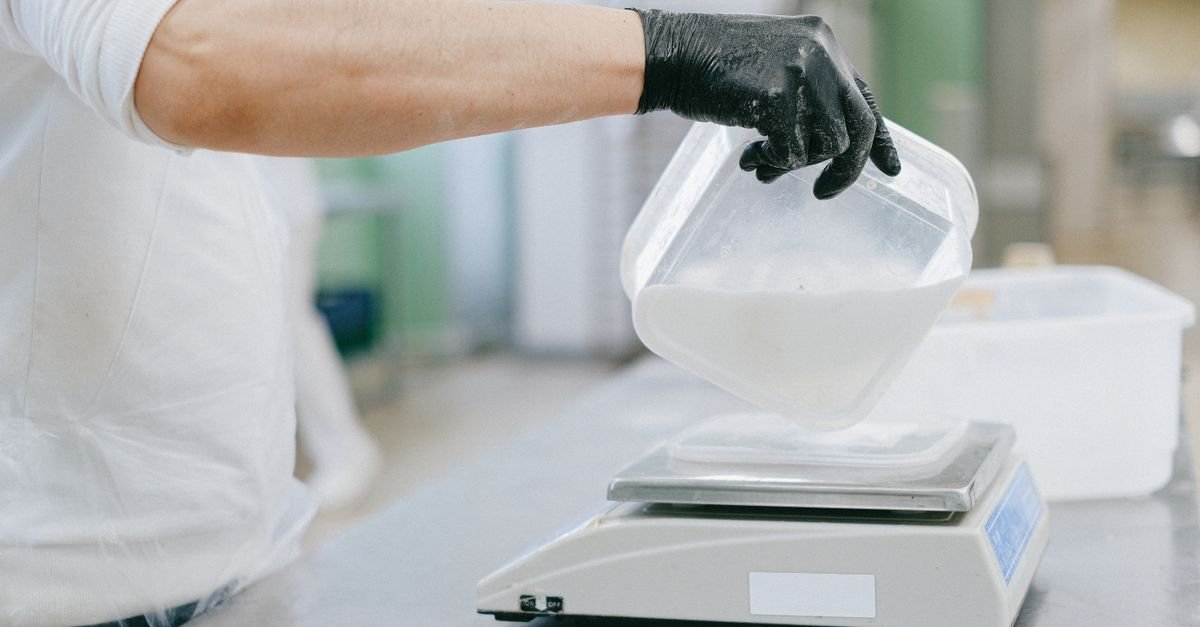
Two dry foods can occupy the same 20 mL space and weigh different amounts. One kibble may be small and dense; another may be larger, puffier or more irregular. That is why a volume-based scoop and a gram scale answer different questions.
AAHA’s nutrition and weight-management guidance specifically recommends weighing food with a gram scale when precision matters, noting that weighing improves precision and accuracy compared with measuring cups. That recommendation is broader than automatic feeders, but it explains exactly why feeder settings should be calibrated against the food rather than treated as universal gram measurements.
The practical consequence is easy to miss when you switch foods. If the old kibble averaged 10 g per machine portion and the new kibble averages 8 g, keeping the same feeder setting changes the daily calorie delivery even though the schedule looks identical. The opposite can happen with denser food.
Kibble shape can change more than the weight
Shape affects how food packs into the rotor, how pieces fall through the chute and whether they bridge against one another. A feeder can work perfectly with small round kibble and become less predictable with large flat discs, crescents or mixed freeze-dried pieces.
PETLIBRO’s current Granary guidance allows kibble roughly 2–15 mm in size. Its newer Granary 2 documentation goes further and warns that oversized or irregular shapes can be problematic. PETKIT likewise publishes model-specific limits. These specifications are not just about avoiding a complete jam. They also influence whether each mechanical rotation fills and empties in a similar way.
If your food sits near the upper size limit, I would care more about real dispensing tests than a headline such as “50 portions per meal.” Maximum portion count tells you how many rotor cycles the feeder can request. It does not tell you how evenly your particular kibble will move through every one of those cycles.
Some newer feeders add scales, but calibration still matters
There is a useful shift happening in newer feeders: some models add a scale beneath the bowl or feeding base so the system can track how much food is present or consumed. PETLIBRO’s current Granary 2 Series, for example, includes gram-level food tracking and tells owners to recalibrate the scale after the feeder has been disassembled and reassembled.
That is a meaningful improvement because the machine can observe weight instead of relying only on an assumed volume. But a built-in scale introduces its own conditions. The feeder needs to sit on the correct surface, the scale needs to be calibrated, and parts around the bowl need to be assembled properly. A scale-based system is not permission to ignore setup instructions.
It is also worth asking what the scale is measuring. Some systems measure food remaining in the bowl, some estimate consumption, and others use weight data for refill logic. That is not always the same thing as weighing each outgoing portion before it reaches the pet.
Whisker shows a different approach: portions defined by cup volume
The Whisker Feeder-Robot uses a clear volumetric approach. Whisker currently specifies 1/8-cup increments with the standard dispenser, with scheduled meals built from those increments. That can be easier to understand than an abstract “portion,” because you know exactly what unit the mechanism is designed around.
But the same principle still applies: one eighth of a cup of Food A does not necessarily weigh the same as one eighth of a cup of Food B. If your feeding plan is written in grams or calories, convert the feeder’s volume into the actual gram weight of the kibble you use rather than assuming the cup measurement completes the calculation.
A five-minute test tells you more than the app screen
You do not need laboratory equipment to understand your feeder. A basic kitchen scale is enough to build a useful baseline.
- Use the exact kibble you plan to feed. Fill the hopper to a normal operating level rather than testing with a nearly empty machine.
- Tare an empty bowl on a gram scale. That removes the bowl’s weight from the reading.
- Dispense the same setting several times. Ten repeats gives you a much better picture than one lucky dispense.
- Record each result. You are looking for both the average and whether some dispenses are unusually high or low.
- Repeat after changing food. A new kibble can change the grams-per-portion relationship even if the feeder itself has not changed.
You do not need to chase tiny differences that have no practical effect. The point is to replace an assumption with a measured baseline. If your feeder repeatedly gives approximately the same result, you can map its portion setting to your pet’s actual daily plan much more confidently.
For weight management, the daily total matters more than the label on one dispense
A feeder does not decide how many calories your cat or dog needs. It only delivers the schedule you program. WSAVA and AAHA both emphasize individualized calorie needs, body condition and ongoing adjustment rather than assuming one feeding amount suits every animal.
That matters because a small error repeated several times a day can become meaningful. If a pet is on a tightly controlled weight-loss plan, has diabetes, or eats a therapeutic diet, the target amount should come from the veterinary plan. Use the feeder to execute that plan, not to invent it from a default app setting.
For a healthy pet where the goal is simply consistent meal timing, small normal variation may matter much less. The buying question is not “Which feeder is perfectly exact?” It is “Can I understand, verify and live with this feeder’s dispensing behavior?”
Dual-bowl feeders create another source of confusion
A two-bowl feeder can dispense the correct total amount and still divide it unevenly between the bowls. PETLIBRO’s current Granary guidance says the programmed portion is the total output in dual-bowl mode, not the amount for each bowl. The motor changes direction to improve distribution, but two bowls do not turn one portion setting into two independently measured meals.
This is especially important in a two-cat household. If both cats eat the same food calmly, a shared feeder may be perfectly practical. If one cat needs a controlled individual intake, the problem is no longer just portion accuracy; it is access control. Our guide to automatic feeders for two cats explains why separate stations or identity-controlled feeding can make more sense when one pet steals food or needs a different diet.
What I would compare before buying a feeder for portion control
I would look past the app screenshots and ask five simple questions. What does the manufacturer mean by one portion? Is that unit volume-based, rotation-based or weight-based? What kibble sizes and shapes are supported? Can the feeder detect or report missed dispenses? And if it has a scale, what exactly is being weighed and when does it need calibration?
The BestByNeed automatic pet feeder catalog already separates portion control, feeding modes, food compatibility, backup power and other decision variables across current models. If reliability away from home matters as much as portion size, also read what automatic feeders still do when Wi-Fi goes down.
And if your routine is harder to describe as a feature checklist, use the BestByNeed Finder with the real constraint: “cat needs four small meals,” “two cats but one steals food,” or “need dry-food portions I can verify in grams.” The situation is more useful than the marketing label.
Trust the schedule, but calibrate the amount.
Automatic feeders are excellent at repeating meal times and reducing the need to be standing beside the bowl. Their portion numbers are best treated as machine settings until you verify what those settings mean with your actual food. Kibble density, shape, rotor design and calibration can all move the real gram weight away from the convenient number shown in the app.
If portion control matters, weigh a short series of dispenses once, repeat the check when you change food, and program the feeder from measured reality rather than from a generic “10 g per portion” assumption.
Sources checked for this guide: PETLIBRO Granary feeder guidance, PETLIBRO Granary 2 Series, PETKIT YumShare Dual-Hopper 2, Whisker Feeder-Robot, and AAHA nutrition and weight-management guidance.